H.M One · 79 functions
HR Management
Employee records, organization chart, contracts, documents, leave, requests, onboarding, offboarding and end-of-service estimates.
- Employee directory and records
- Interactive organization chart
- Contracts and versioned documents
- Leave requests and balances
- Onboarding and offboarding checklists
- End-of-service estimates
- 79functions
- 7areas
- 4roles
- 2languages
How it flows.
- 1Add employee
- 2360° record
- 3Contracts & documents
- 4Requests & leave
- 5Offboarding
- 6End of service
See it working.
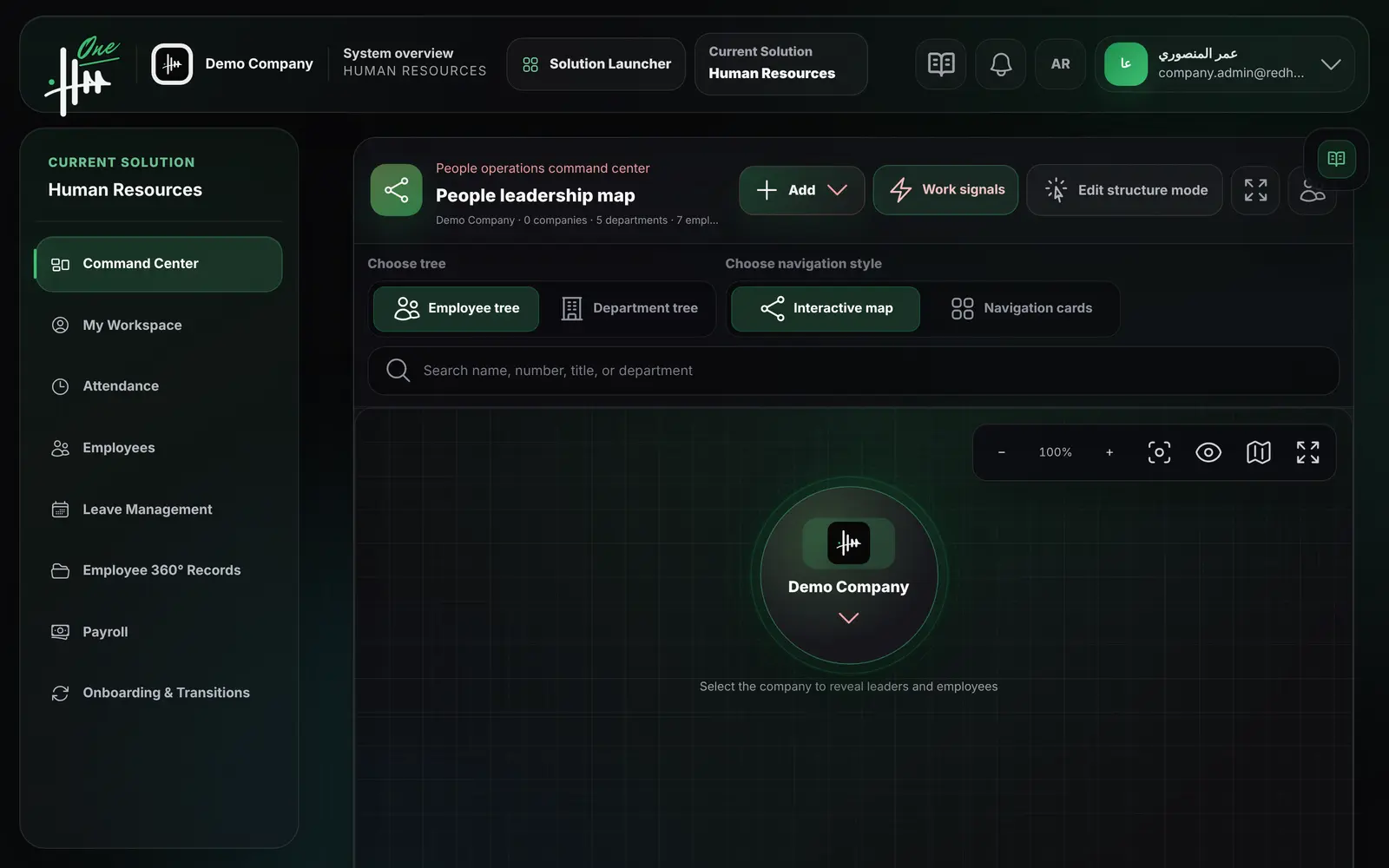
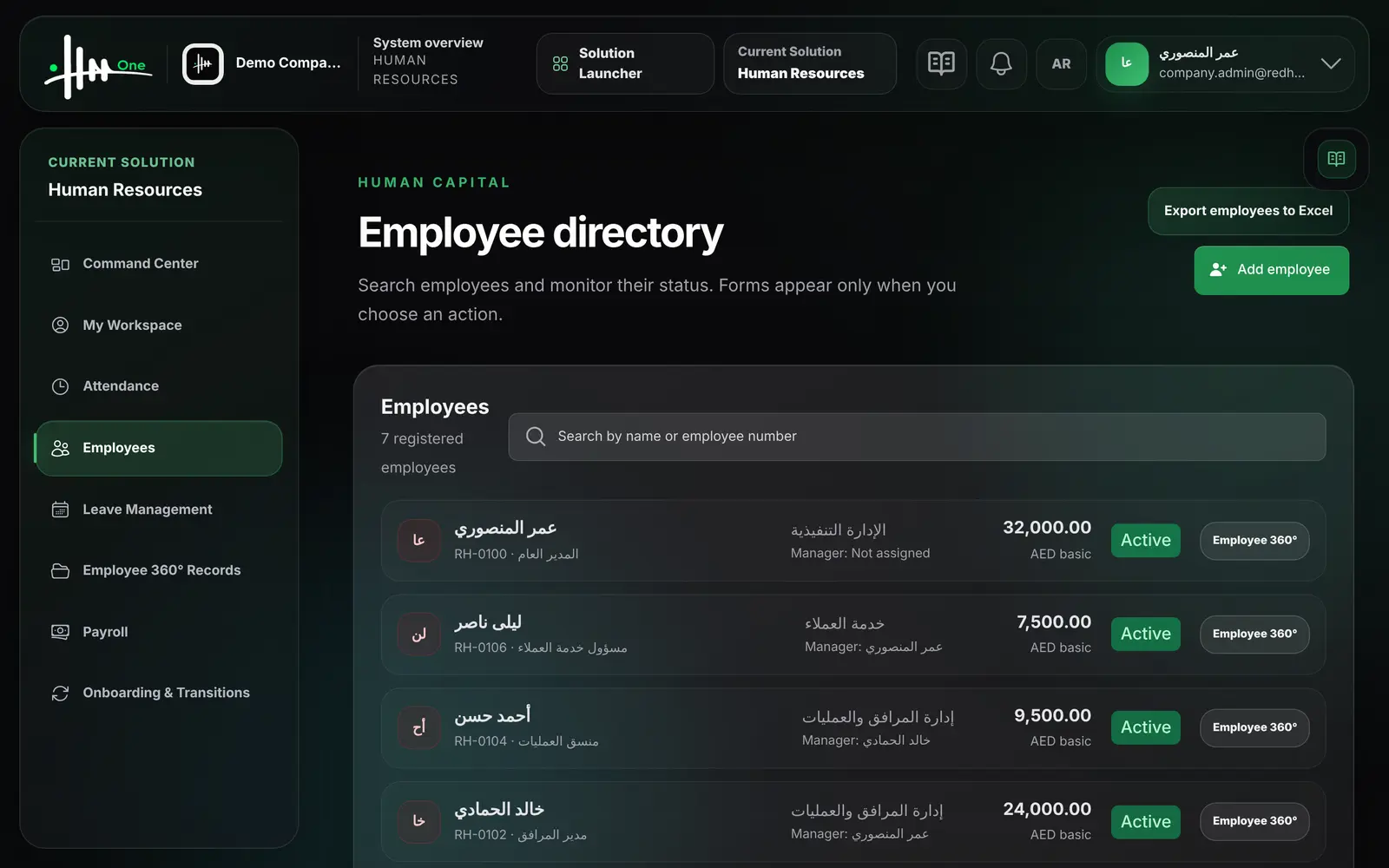
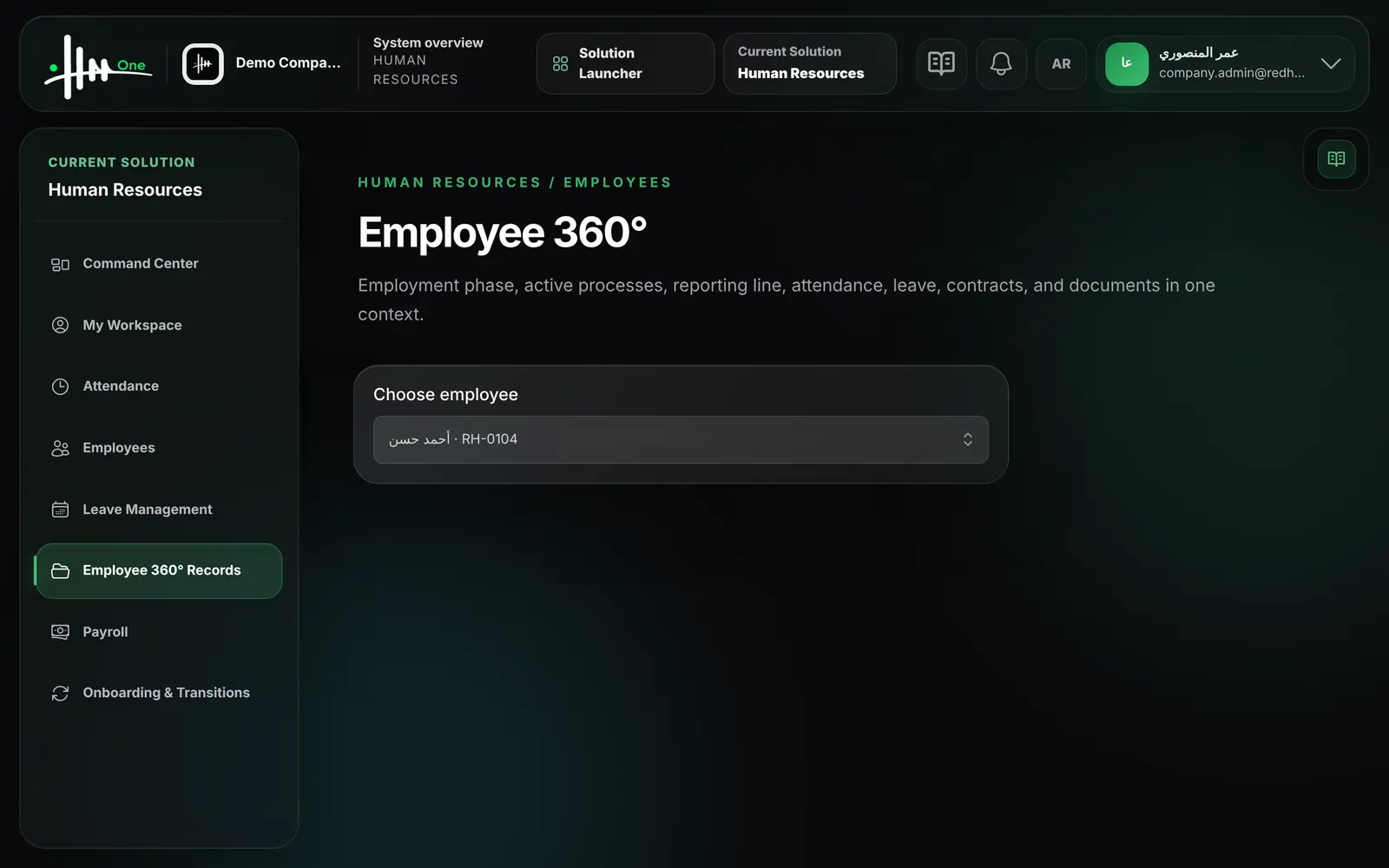
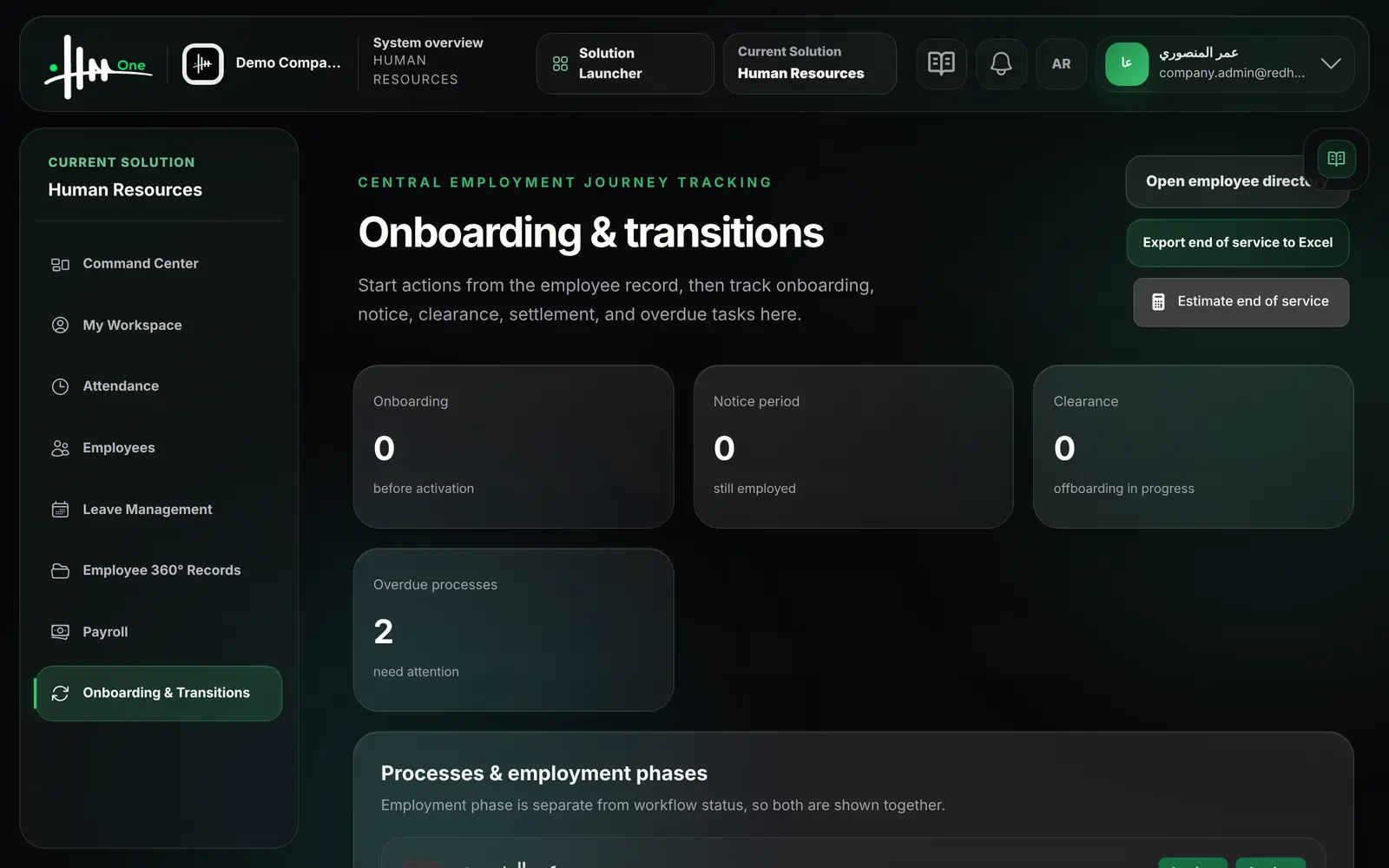
Functions by area.
Every function.
Organization chart 12
- View an interactive map of employees and departments
- Switch between the employee tree and the department tree
- Browse as an interactive map or as navigation cards
- Search by name, number, job title or department
- Expand, collapse, zoom and use the minimap
- Open the chart in fullscreen
- See direct reports and team size per manager
- Add a department or section from the map
- Start a new employee record from the map
- Change a reporting line by drag and drop
- Review the change and record a reason before saving
- Moves that create a management loop are blocked
Employee directory 8
- Add an employee with number, name, photo and contact details
- Set department, job title, direct manager and employment type
- Record Emirates ID, passport, visa and bank details
- Record contract type, dates, basic salary and allowances
- Search employees by name or employee number
- See each employee's status, department and manager
- Show basic salary only to users with compensation permission
- Export the employee list to Excel
Employee 360° record 13
- View employment phase, manager, department and login status
- Edit name, contact, department, job title and photo
- Change the manager with a reason kept in the audit log
- Update identity and bank data under a separate permission
- Issue a new contract version; the previous one is kept
- View contract history
- Upload a document with category, number, issue and expiry dates
- Replace a document with a new version; old versions remain
- Mark a document as verified or unverified
- Download employee documents
- See documents expiring within 60 days
- See leave balances, latest attendance and latest leave request
- See direct reports count and the active process
Onboarding and offboarding 13
- Start onboarding from the employee record with start and effective dates
- Onboarding creates a task checklist
- Start offboarding with departure type, reason and last working day
- Record notice period dates or waive the notice
- Choose a replacement manager for direct reports
- Require handover, asset return or approval before closing
- Assign HR, payroll and IT owners to the process
- Track all processes and their checklist progress in one screen
- Mark checklist tasks as completed
- Approve completion when approval is required
- Activate the employee when onboarding is complete
- Complete offboarding on or after the last working day
- See counts of onboarding, notice, clearance and overdue processes
End of service 3
- Estimate end-of-service from end date, basic wage and unpaid days
- Each estimate keeps its inputs and the policy used
- Create a final settlement and send it for approval
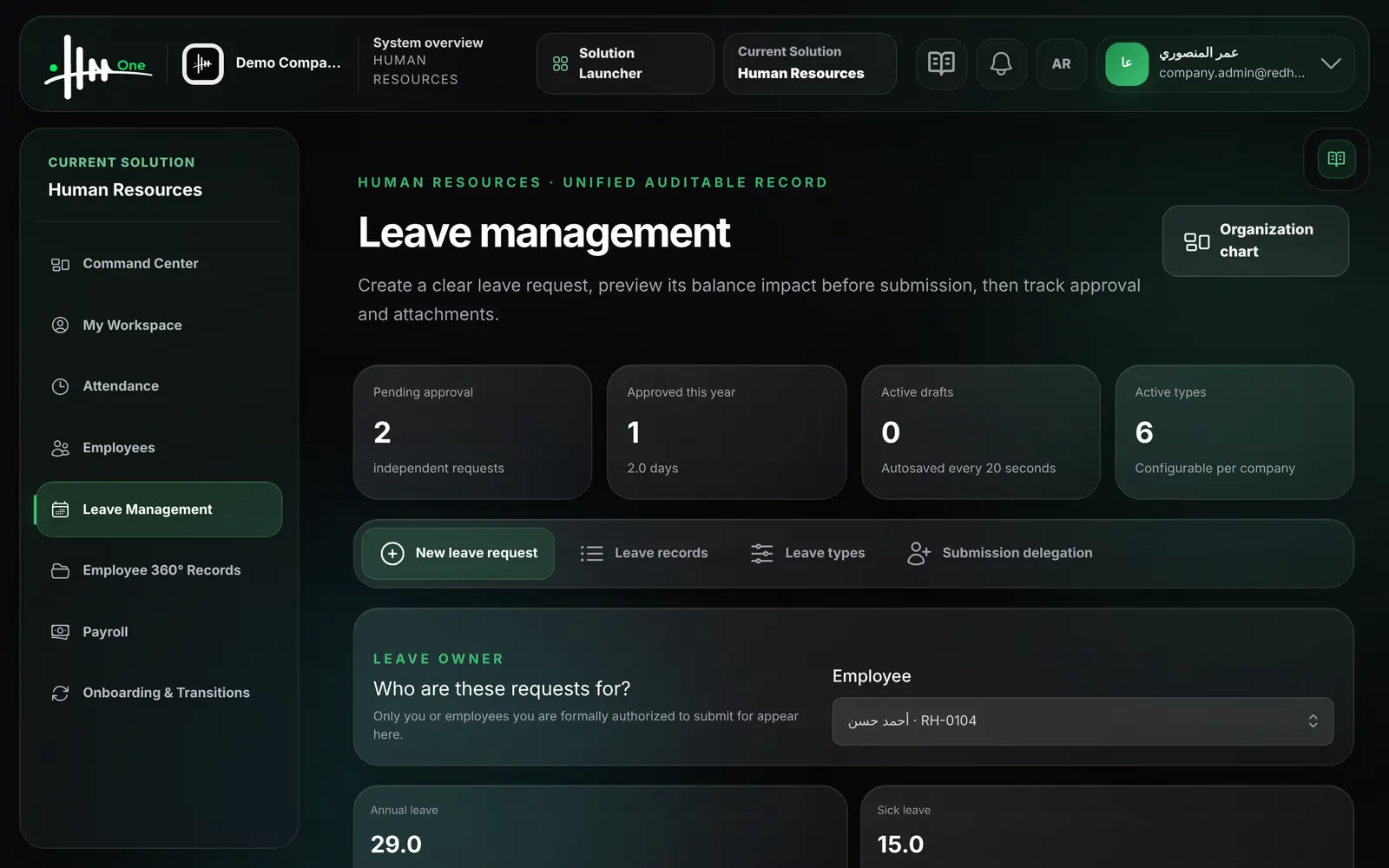
Leave management 22
- Submit a leave request for yourself
- Submit up to ten separate leave requests in one go
- Request a half day, morning or afternoon
- See the balance before and after the request
- Name a colleague for task handover
- Attach a supporting document to a request
- Add a reason and contact details during leave
- Save a draft; drafts autosave every 20 seconds
- Restore or discard a saved draft
- Send each request through the approval workflow
- Search leave records by employee and filter by status
- Download attachments of a leave request
- Export leave requests to Excel
- Create and edit leave types with Arabic and English names
- Set default balance, paid or unpaid, and carry-forward limit
- Require an attachment for a leave type
- Activate or deactivate a leave type
- HR submits a leave request on behalf of any employee
- Delegate a user to submit leave for a specific employee
- Set a start and end date for a delegation
- Enable or disable an existing delegation
- View counts of pending, approved and draft requests
Employee self-service 8
- See own requests that are awaiting a decision
- View own leave balances for the current year
- Request a personal loan, salary advance or emergency loan
- Set loan amount, number of installments and first deduction date
- Request a certificate, bank letter, data update or equipment
- Preview the request letter or download it as Word
- Follow the status of own leave, loans and requests
- Open the organization chart in a view-only mode
Who uses it
- System administrator
- HR manager
- Team manager
- Employee
Works with
Attendanceclock in and out from the employee workspace
Payrollcontracts and approved loans feed payroll calculationApprovalsleave, loans, requests and settlements use the shared approvals inbox
Facility Managementemployees are assigned to work orders and propertiesAsset Managementassets are assigned to employeesReportsworkforce by department and expiring documents