H.M One · 18 functions
Payroll
Monthly payroll periods calculated from contracts, allowances and loan installments, with approval, payment marking and payslips.
- Monthly payroll periods
- Calculation from contracts
- Loan installment deduction
- Separate approval step
- Payslip preview and Excel
- Readiness check
- 18functions
- 3areas
- 4roles
- 2languages
How it flows.
- 1Open period
- 2Readiness check
- 3Calculate
- 4Approve
- 5Mark paid
- 6Payslips
See it working.
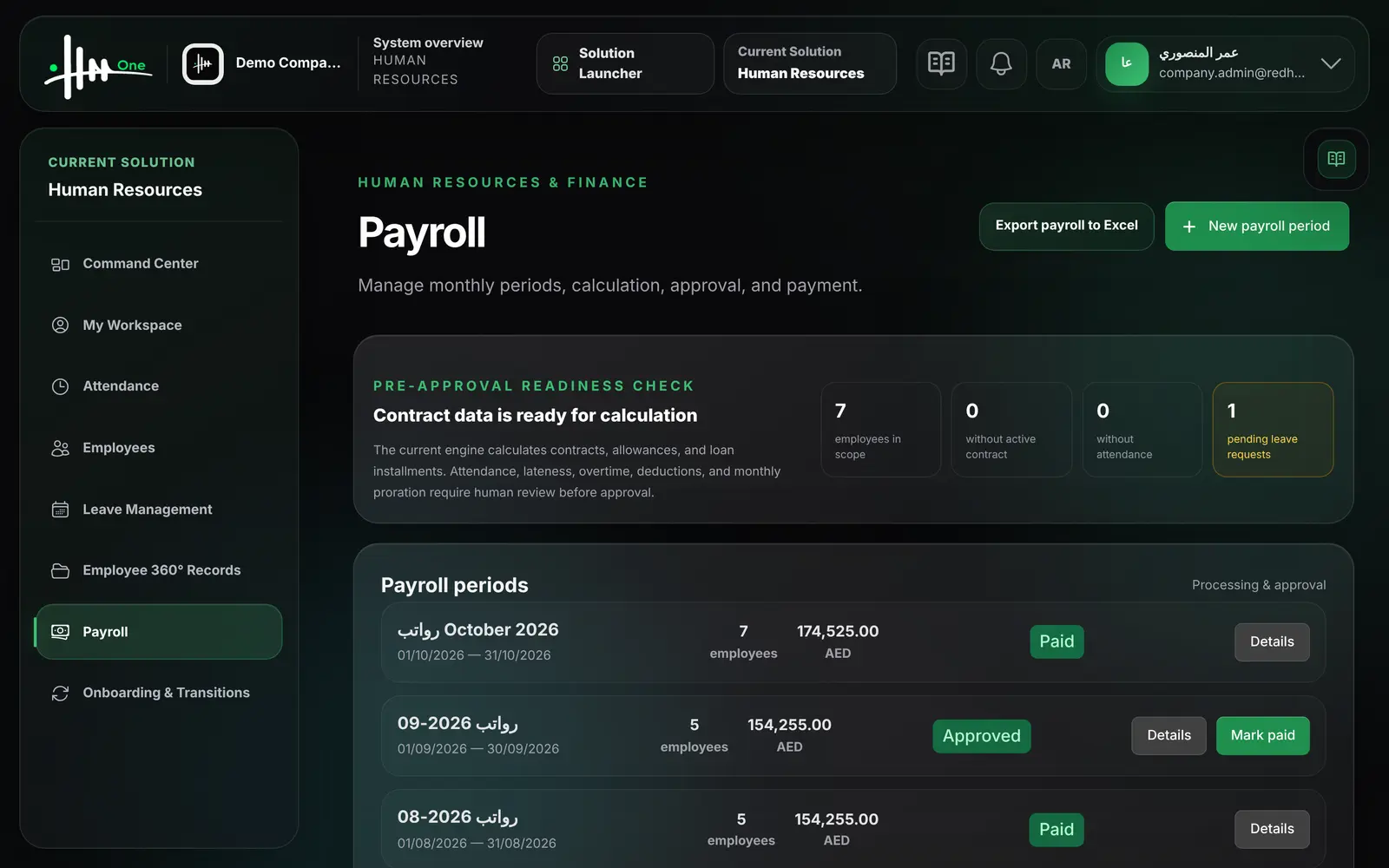
Functions by area.
Every function.
Payroll periods 8
- Create a payroll period for a month with a payment date
- Calculate payslips from active contracts, allowances and loan installments
- Recalculate a period before it is approved
- Approve a calculated period
- The person who calculated a period cannot approve it
- Mark an approved period as paid
- Marking paid settles loan installments and closes repaid loans
- See employee count and net total per period
Readiness check 4
- See employees in scope for the period
- See employees without an active contract
- See employees without attendance in the period
- See pending leave requests in the period
Payslips 6
- List payslips with basic, allowances, loans, gross and net
- Preview and print a payslip
- Download a payslip as Excel
- Export all payslips to Excel
- Employees see only their own payslips
- Employee workspace shows the latest net salary
Who uses it
- System administrator
- HR manager
- Finance manager
- Employee
Works with
HR Managementsalary and allowances come from the employee contractHR Managementapproved employee loans create the installment schedule
Attendanceshown in the readiness check only