H.M One · 34 functions
Finance & Expenses
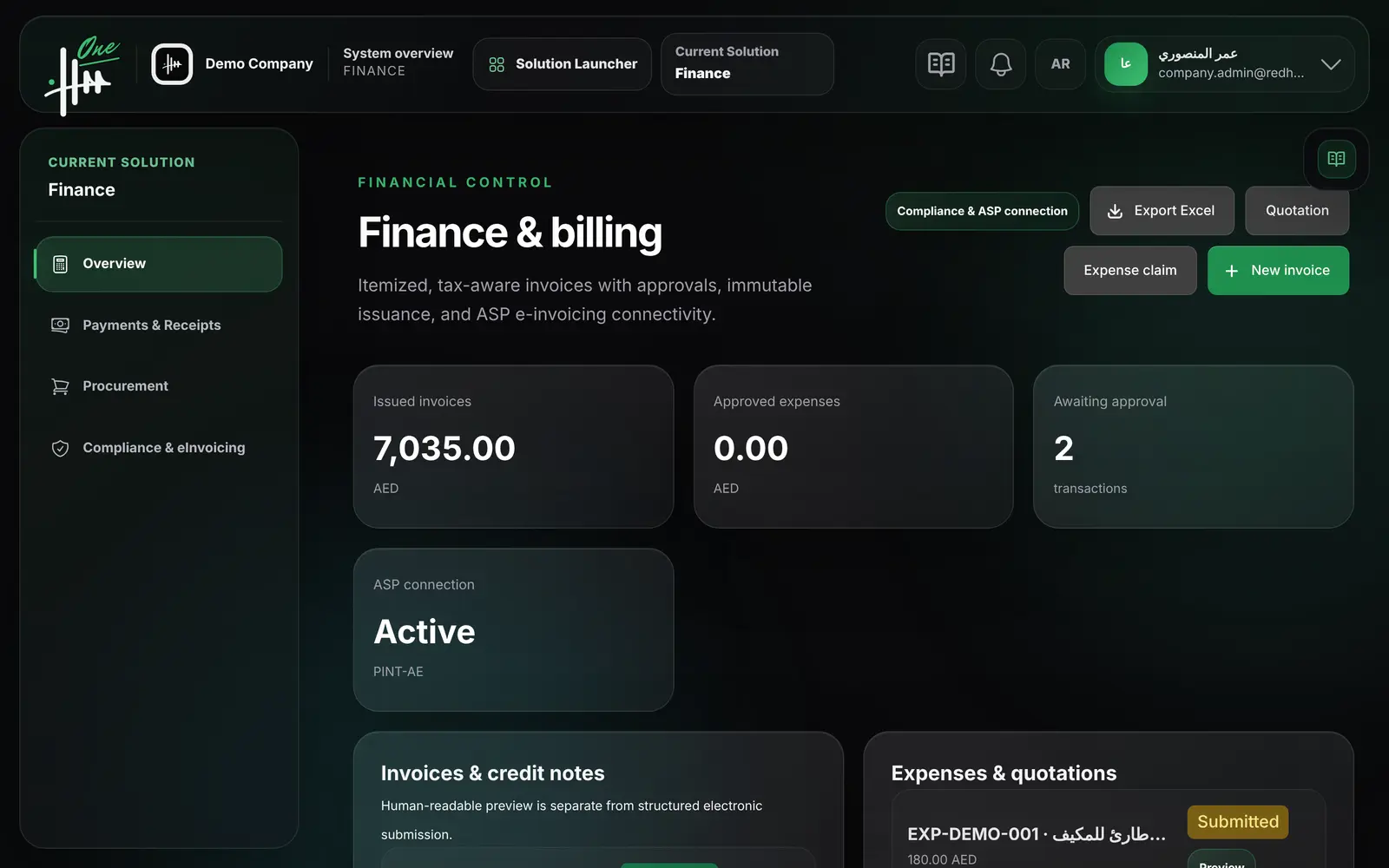
Itemized VAT invoices, credit notes and expense claims with approval, plus payments, allocations, receipts and reversals.
- Itemized VAT invoices
- Credit notes
- Expense claims
- Payments and receipts
- Approval before issue
- Print and Excel documents
- 34functions
- 6areas
- 3roles
- 2languages
How it flows.
- 1Create invoice
- 2Approve
- 3Issue
- 4Record payment
- 5Receipt
- 6Excel & print
See it working.
Functions by area.
Every function.
Invoices 12
- Create a tax invoice or a commercial invoice for a client
- Add several lines with quantity, unit code and unit price
- Set line tax category: standard, zero rated, exempt or out of scope
- Enter a reason code and explanation for non-standard tax
- Tax and totals are calculated by the system
- Link the invoice to a work order and a selling branch
- Set due date, purchase order reference and payment method
- The invoice number is generated automatically
- The invoice is sent for approval and issued when approved
- Preview and print an invoice
- Download an invoice as Excel
- Export the invoice list to Excel
Credit notes 4
- Create a credit note from an issued invoice
- Choose the adjustment reason and explain it
- The credit note copies the original lines and keeps its reference
- The credit note is sent for approval
Expense claims 6
- Submit an expense claim with category, date, amount and VAT
- Link the expense to a work order
- Record the payment method, including personal payment
- The claim is sent for approval
- Preview and print an expense claim
- Export expenses to Excel
Payments and receipts 7
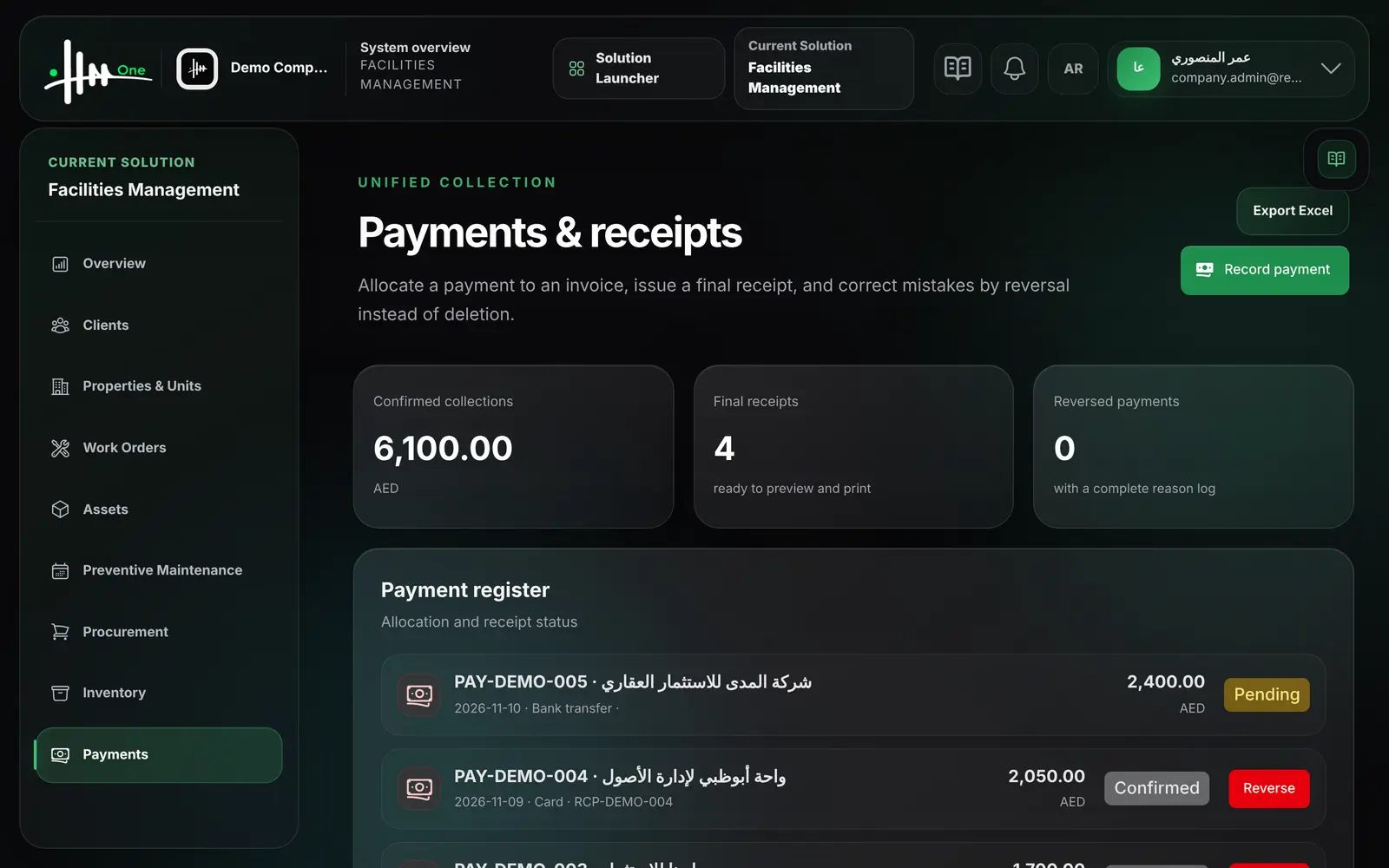
- Record an incoming payment from a client
- Allocate the payment to an invoice with an outstanding balance
- Record an unallocated payment for a client
- Choose method: bank transfer, cash, card, cheque or other
- A final receipt with its own number is issued
- Reverse a payment with a reason; allocations and receipt are cancelled
- See confirmed collections, final receipts and reversed payments
Finance overview 2
- See issued invoice total and approved expense total
- See how many transactions are awaiting approval
Legal profile 3
- Record legal names, licence details, TRN and address
- Set invoice and credit-note number prefixes
- Set the main branch code and name
Who uses it
- System administrator
- Finance manager
- Facility manager
Works with
Approvalsinvoices, credit notes and expenses go through the approvals inbox
Facility Managementinvoices and expenses reference clients and work ordersProcurementwork-order quotations are created from the Finance screenUAE eInvoicingissued invoices can be sent to the configured connector
Owner portalclients see their own invoices