H.M One · 66 functions
Shared Platform
Company workspace, users and roles, approvals, notifications, reports, guides and support, subscription screens, Arabic and English.
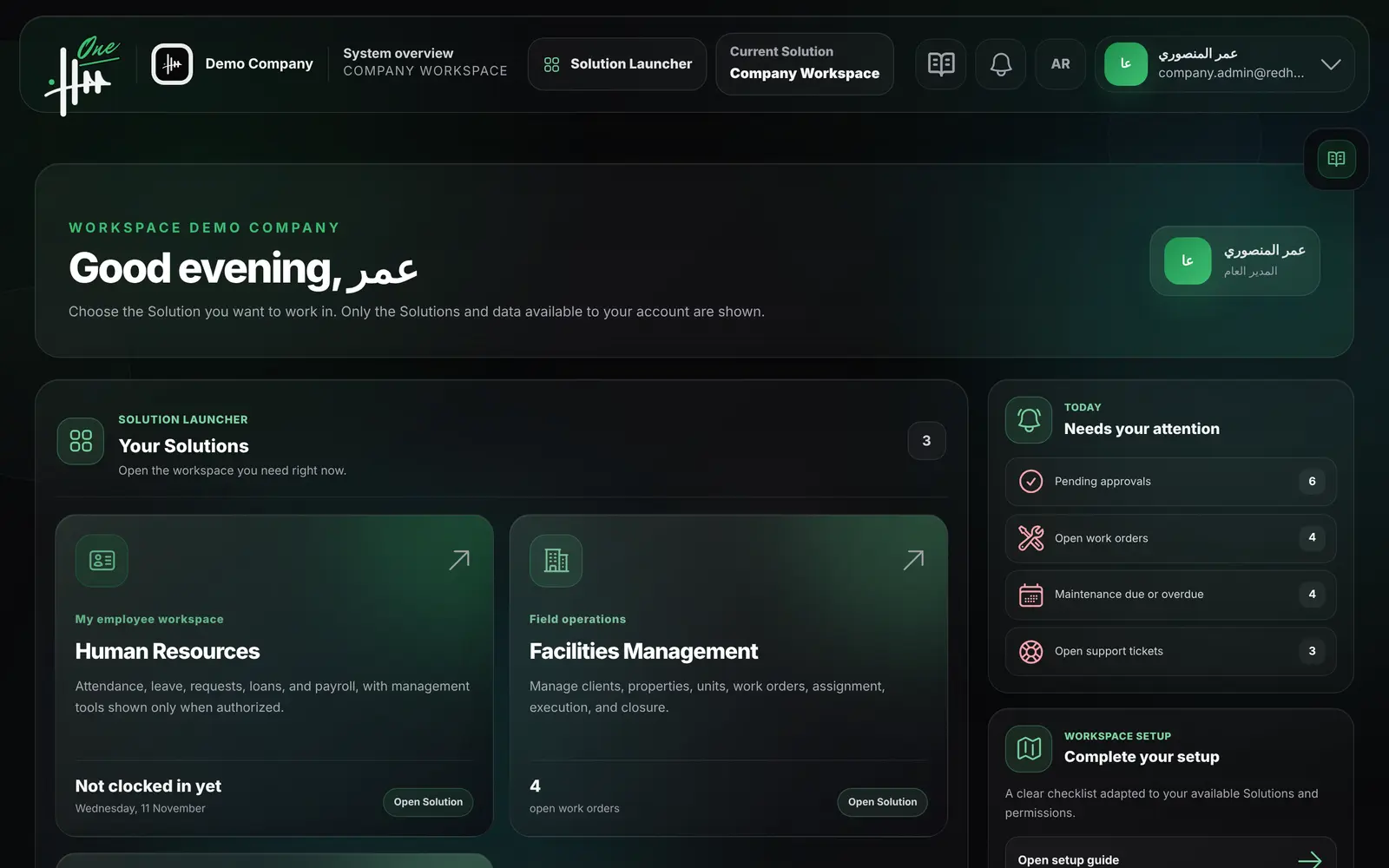
- Company workspace and launcher
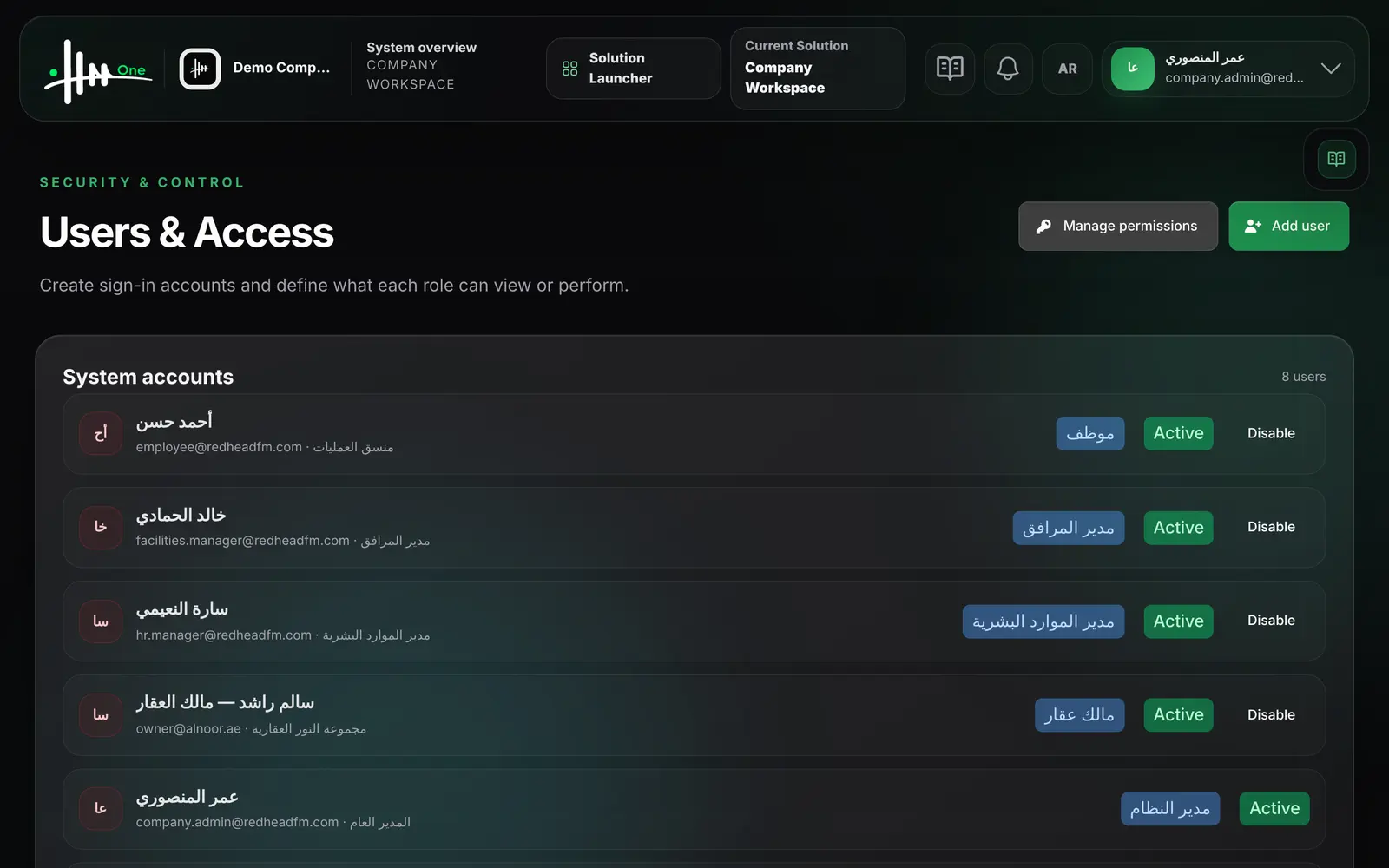
- Users, roles and permissions
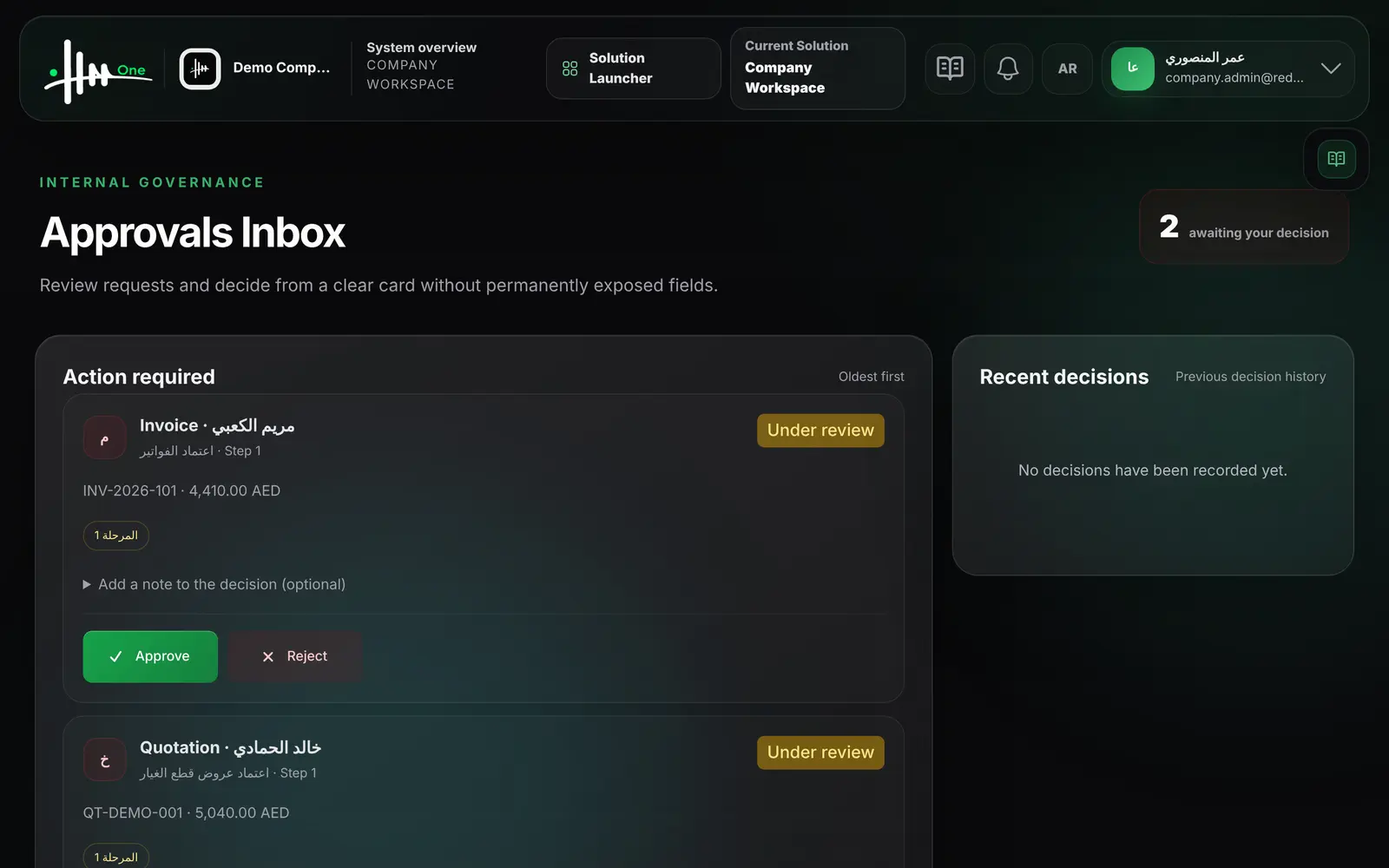
- Approvals inbox
- Arabic and English, RTL
- Two-factor and passkeys
- Subscription and billing
- 66functions
- 12areas
- 8roles
- 2languages
How it flows.
- 1Company workspace
- 2Users & roles
- 3Activate Solutions
- 4Approvals
- 5Reports
See it working.
Functions by area.
Every function.
Company workspace 6
- Open the Solutions available to your account from one launcher
- See items that need attention with direct links
- Switch Solution from the top bar
- Each user sees only permitted Solutions and data
- Company logo and colors appear in the workspace
- Bottom navigation bar on mobile screens
Users & access 6
- Create a user account linked to an employee
- Create a client account linked to a client
- Assign a role to each user
- Enable or disable a user account
- Edit the permissions of each role
- Eight ready roles are created for every company
Approvals 6
- See requests awaiting your decision, oldest first
- Approve or reject with an optional note
- See the workflow steps and the current step
- See recent decisions
- Covers leave, loans, employee requests, expenses, invoices and quotations
- Covers purchase requests, purchase orders and final settlements
Notifications 5
- Receive an in-app notification when an approval needs action
- Receive a notification when your request is decided
- Open the related record from the notification
- Mark one or all notifications as read
- Unread count shown in the top bar
Reports 7
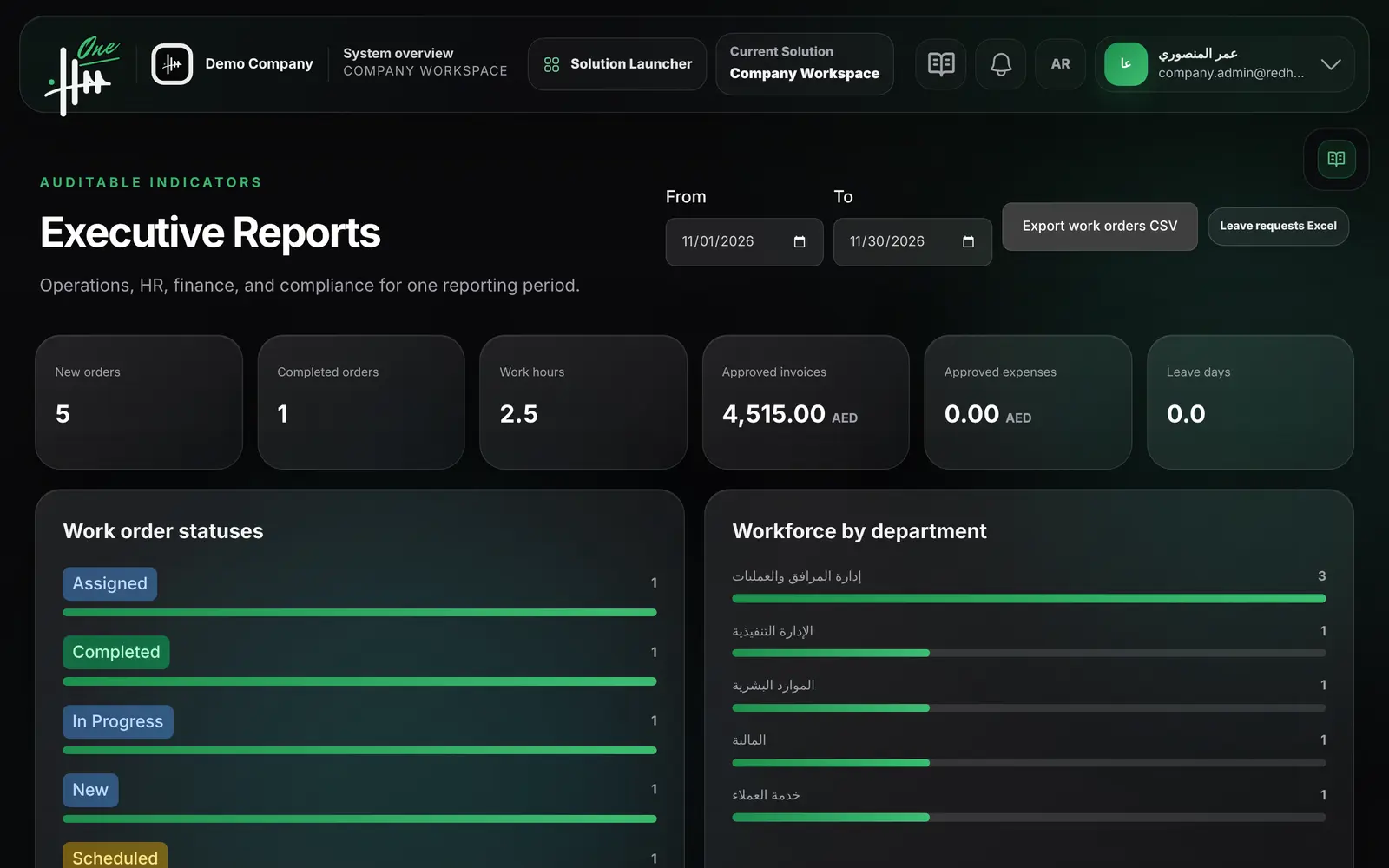
- Choose a date range for all indicators
- See new and completed work orders and work hours
- See approved invoice and expense totals
- See work orders by status and workforce by department
- See leave by type and by status
- See passports, visas and documents expiring within 60 days
- Export work orders to CSV and leave requests to Excel
Guides & support 7
- Read step-by-step procedure guides by category
- Search the guides
- Open a contextual guide panel on each screen
- Follow a company setup checklist and hide it when done
- Open a support ticket with category, priority and attachment
- Reply to a ticket and attach files
- Follow ticket status
Subscription & billing 10
- See subscription status, main renewal date and outstanding balance
- See current Solutions with contract price and renewal date
- Preview the expected renewal total with tax
- Browse the Solution catalog with prices
- Preview price, tax and prorated amount before requesting a Solution
- Request a Solution with monthly or annual billing
- Accept a modified offer
- Schedule cancellation of a Solution at renewal; data is kept
- See subscription invoices, payments and payment proofs
- Suggest a custom Solution for review
Account & security 7
- Sign in with email and password
- Sign in with a passkey
- Enable two-factor authentication with recovery codes
- Add and remove passkeys
- Reset a forgotten password by email
- Update name, email and password
- Choose light, dark or system appearance
Language 2
- Switch between Arabic and English from the top bar
- Arabic screens are laid out right to left
Data separation 3
- Each company's records are separated from other companies
- Screens open only when the module and permission are active
- Private files are downloaded only by authorized users
Integrations 2
- See the status of each integration
- Open the eInvoicing setup from the integrations page
eInvoicing connector 5
- See a readiness checklist for eInvoicing
- Save provider, environment, participant ID and API token
- Test the connection; it is activated only when the test passes
- Send an issued invoice to the configured connector
- See counts of sent, failed and received documents
Who uses it
- System administrator
- HR manager
- Facility manager
- Finance manager
- Team manager
- Employee
- Field technician
- Property owner (client)
Works with
Every Solution uses the same users, roles and permissions
Every Solution uses the same approvals inbox and notifications
Employee, client and supplier records are shared across Solutions