H.M One · 21 functions
Procurement
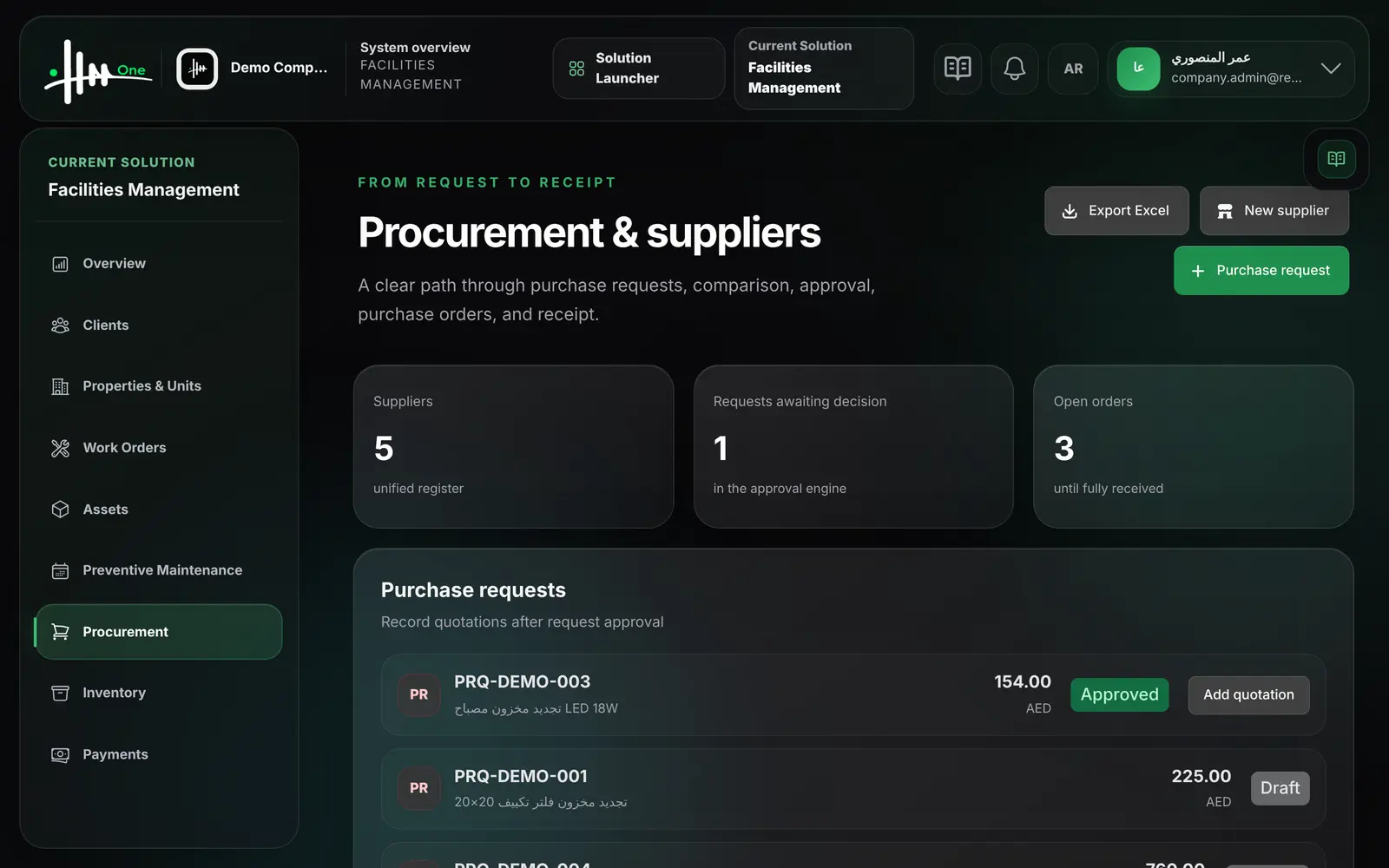
Suppliers, purchase requests, supplier quotations, purchase orders and goods receipt, with approval on requests and orders.
- Supplier register
- Purchase requests
- Supplier quotations
- Purchase orders
- Partial and full receipt
- Approval workflow
- 21functions
- 6areas
- 3roles
- 2languages
How it flows.
- 1Purchase request
- 2Approval
- 3Supplier quotations
- 4Purchase order
- 5Receive goods
See it working.
Functions by area.
Every function.
Suppliers 2
- Add a supplier with legal name, code, TRN, email and phone
- See the number of suppliers in the register
Purchase requests 4
- Create a purchase request with purpose and required date
- Enter the item or service, quantity and estimated price
- The request is sent for approval when saved
- See each request's estimated total and status
Supplier quotations 4
- Record a supplier quotation against an approved request
- Enter reference, validity date, quantity and unit price
- Record several quotations for the same request
- Select the winning quotation
Purchase orders 4
- Create a purchase order from the selected quotation
- The purchase order is sent for approval
- Issue an approved purchase order
- See open orders and their receipt status
Receiving 3
- Receive a purchase order in part or in full
- Record accepted and rejected quantities
- Record the delivery note reference
Customer quotations for work orders 4
- Create a quotation for a work order with quantity and unit price
- 5% VAT is added and the quotation is sent for approval
- Preview and print the quotation
- Export quotations to Excel
Who uses it
- System administrator
- Facility manager
- Finance manager
Works with
Approvalspurchase requests and purchase orders go through the approvals inbox
Asset Management and Inventoryboth use the same supplier register
Finance & Expensesthe work-order quotation form is on the Finance screenWorks without Inventory for services and non-stock items