H.M One · 40 functions
Facility Management
Clients, properties, units and work orders with team assignment, work logs, cost tracking and payment collection.
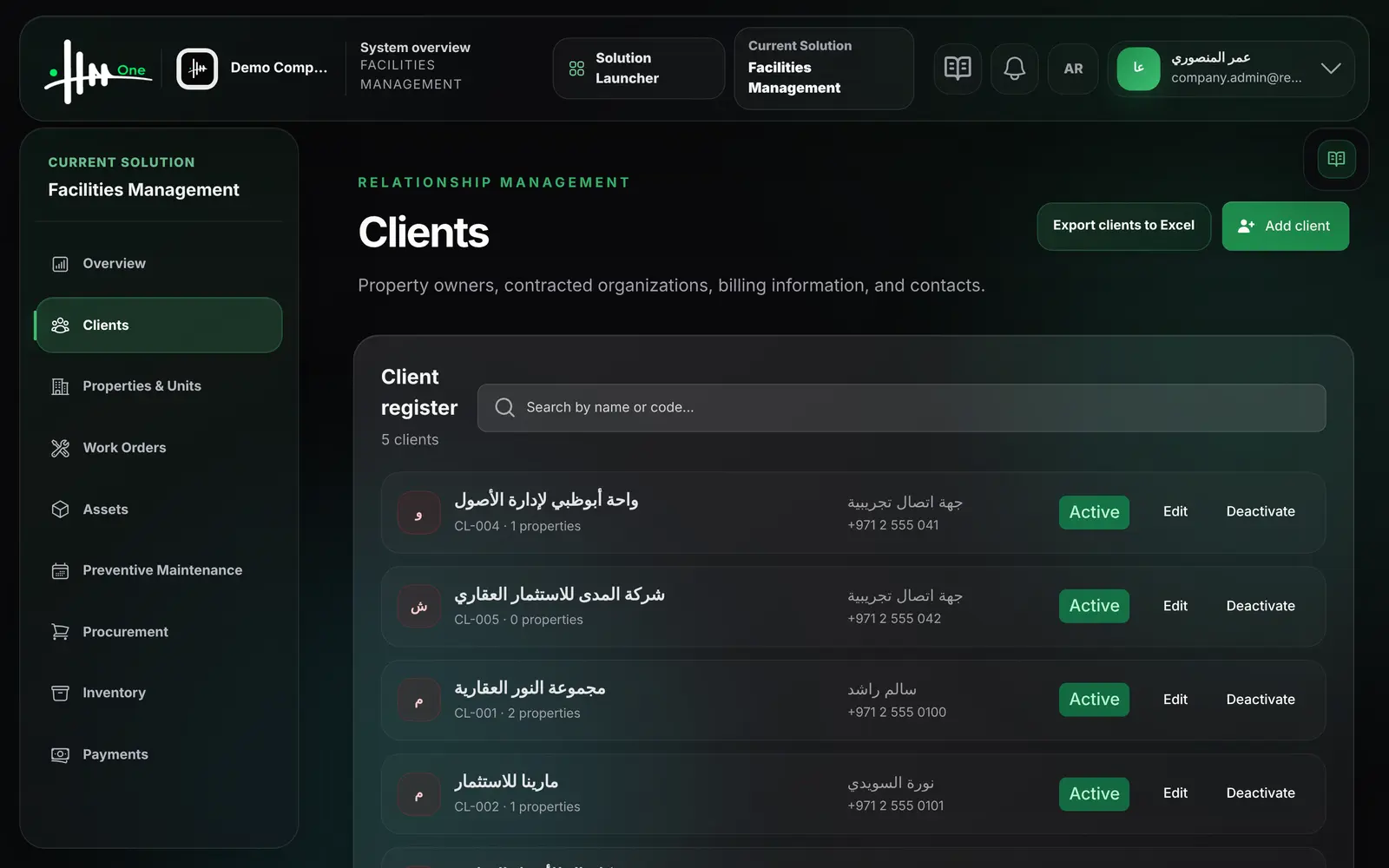
- Client register
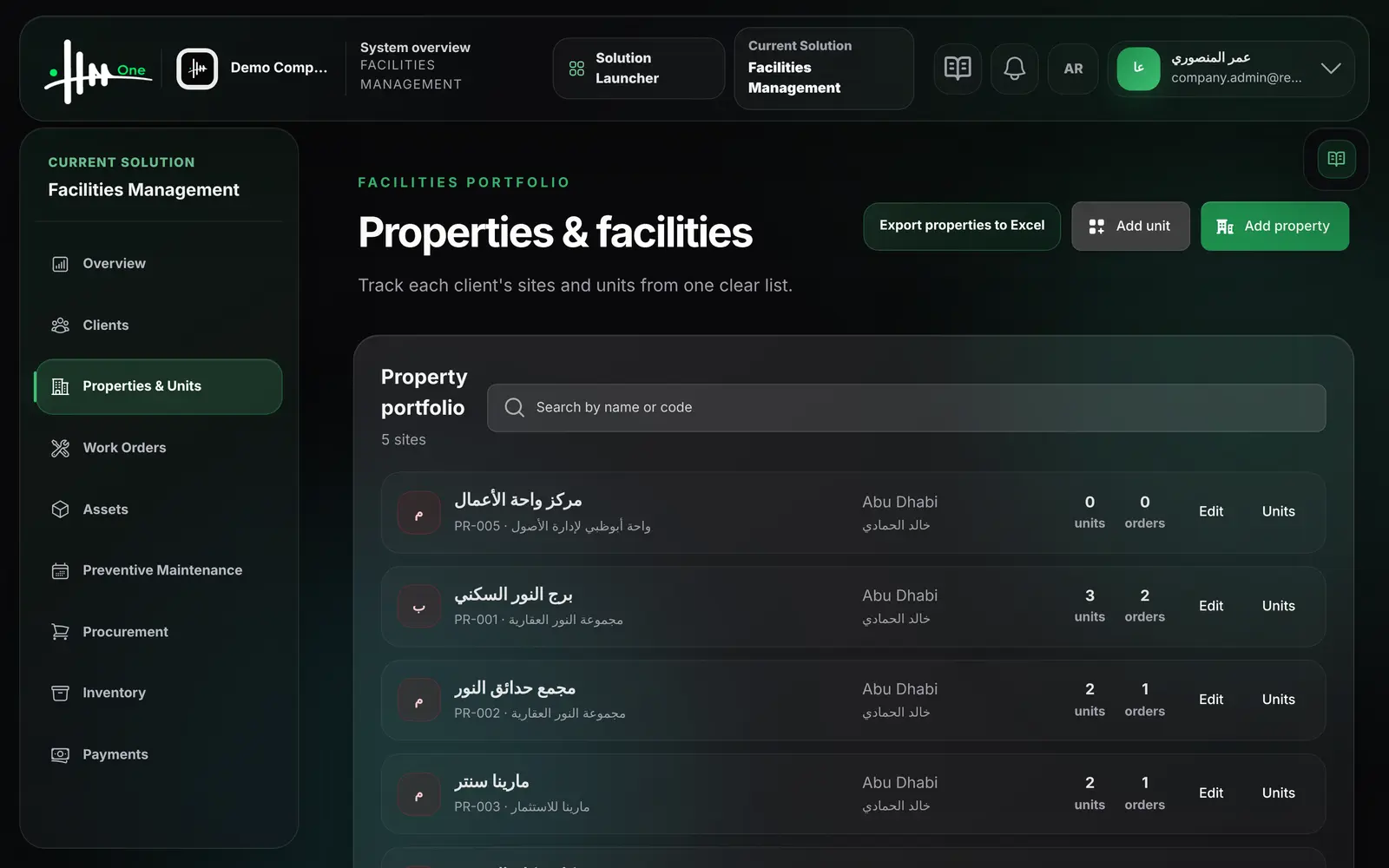
- Properties and units
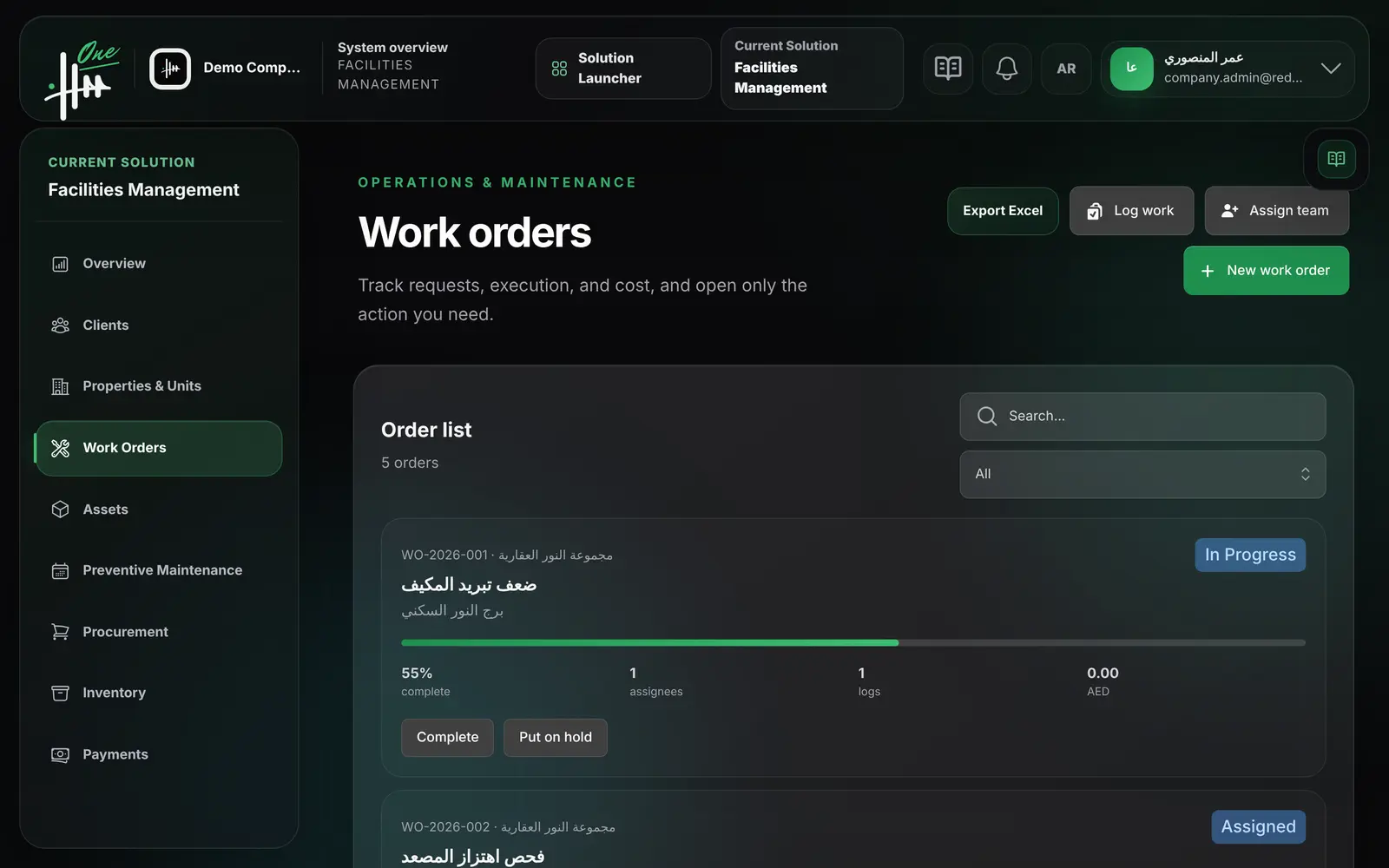
- Work orders
- Team assignment
- Work logs and cost
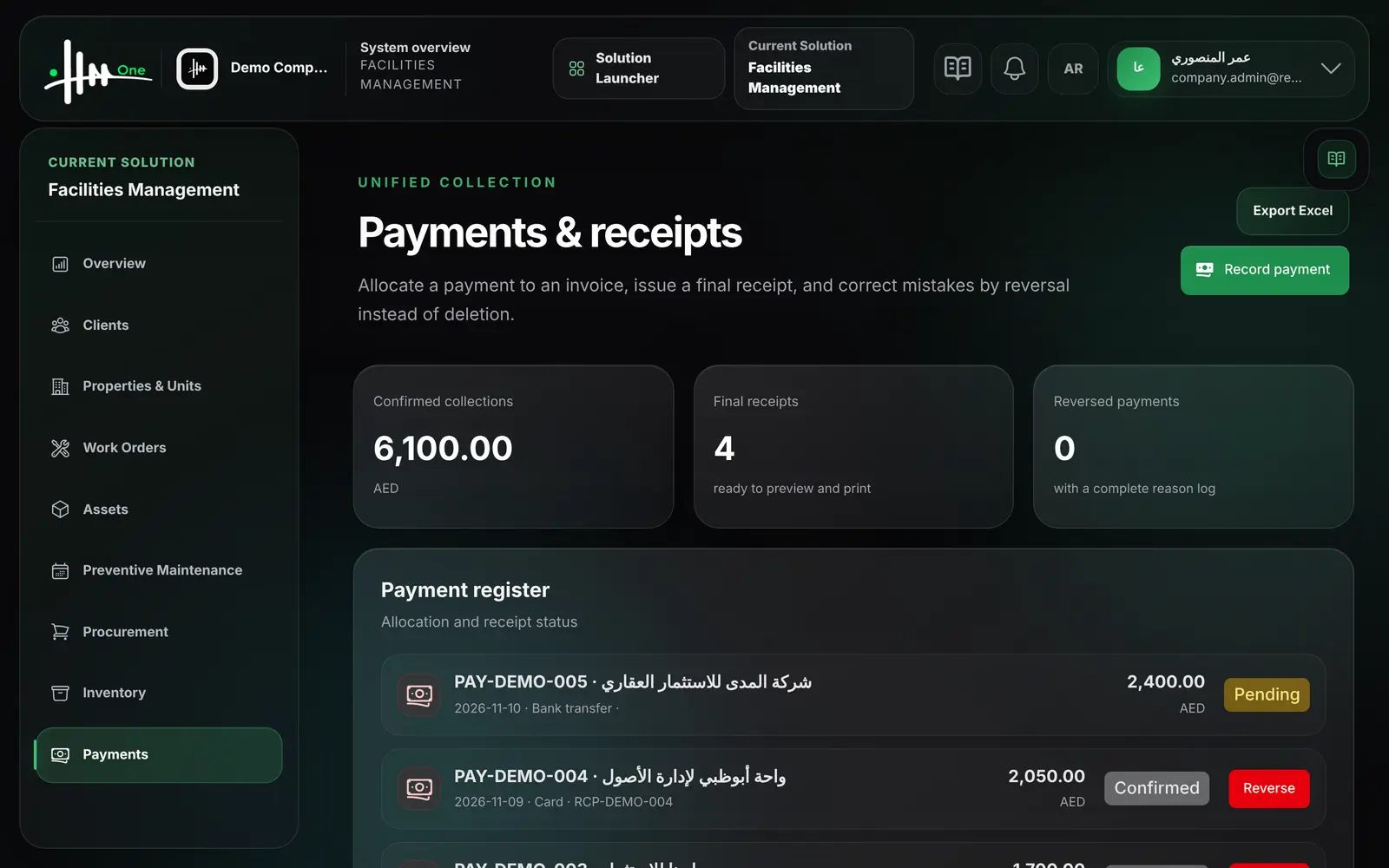
- Payments and receipts
- 40functions
- 6areas
- 4roles
- 2languages
How it flows.
- 1Client
- 2Property & units
- 3Work order
- 4Assign team
- 5Log work & cost
- 6Collect payment
See it working.

Functions by area.
Every function.
Operations overview 5
- See open and urgent work orders
- See pending approvals, managed properties, clients and active employees
- See the latest work orders with progress
- See requests awaiting approval
- See the approved invoice total
Clients 7
- Add a client with code, name and contact person
- Edit client details
- Record legal name, counterparty type, TRN and billing address
- Activate or deactivate a client
- Search clients by name or code
- See the number of properties per client
- Export clients to Excel
Properties and units 7
- Add a property linked to a client
- Set property type, city, address and facility manager
- Record the management contract start and end dates
- Add units to a property
- Search properties by name or code
- See unit and work order counts per property
- Export properties to Excel
Work orders 11
- Create a work order for a client and property
- Set priority, category, estimated cost, schedule and due time
- Assign an employee as technician, team lead or supervisor
- Add instructions to an assignment
- Log work done with date, hours and material cost
- Update the progress percentage from a work log
- Actual cost adds up from logged material costs
- Start, put on hold, complete and close a work order
- Search work orders and filter by status
- See assignees, log count and cost per order
- Export work orders to Excel
Payments and receipts 6
- Record an incoming payment from a client
- Allocate the payment to an invoice or leave it unallocated
- Choose method: bank transfer, cash, card, cheque or other
- A final receipt is issued when the payment is confirmed
- Reverse a payment with a reason; nothing is deleted
- See confirmed collections and reversed payments
Owner portal 4
- Client user sees only their own properties and units
- Client user follows their work orders and progress
- Client user adds a unit to their own property
- Client user previews, prints or downloads their invoices
Who uses it
- System administrator
- Facility manager
- Field technician
- Property owner (client)
Works with
HR Managementemployees are the technicians and facility managersFinance & Expensesinvoices, expenses and quotations can reference a work orderPreventive Maintenancedue plans generate work ordersAsset Managementassets can be assigned to a property
Reportswork order counts, statuses, hours and CSV export